B&H Photo Video · Oct 28, 2026
$400 $600
free shipping
more
↑ less
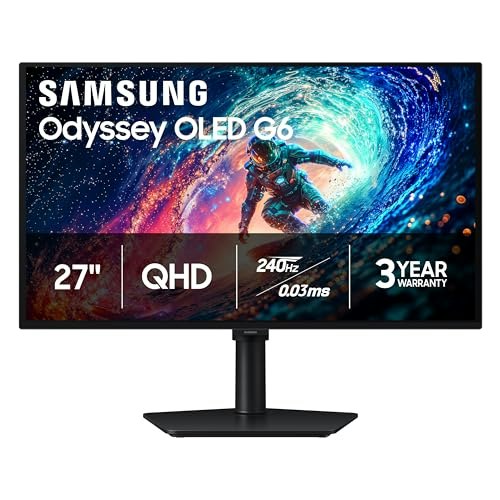
At B&H, this Samsung Odyssey OLED G6 monitor drops to $400 after in-cart savings, down from $600. Measured brightness in normal use is around 211 nits, so the screen suits dim or moderately lit rooms better than bright ones. The matte Glare Free surface cuts reflections from lamps and windows, which glossy OLED screens tend not to do. Built-in burn-in protection dims static logos and taskbars, and the screen dims after 10 minutes of inactivity. Buy Now at B&H Photo Video
Features
- 1440p resolution, 240Hz refresh rate
- HDR10
- AMD FreeSync Premium
- 2x HDMI 2.1 ports, 1x DisplayPort 1.4
- Model: LS27DG602SNXZA
B&H Photo Video · Oct 20, 2026
$600 $950
free shipping
more
↑ less
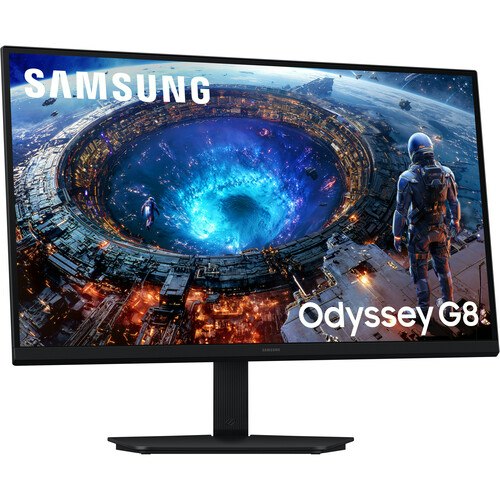
This Samsung Odyssey G80HF monitor is $350 off at B&H Photo Video, bringing it down to $600. It can switch between 5K resolution at 180Hz and QHD resolution at 360Hz, giving gamers flexibility between sharper detail and faster refresh rates on the same screen. Buy Now at B&H Photo Video
Features
- 27" IPS panel with 16:9 aspect ratio
- 5K resolution (5120 x 2880) at up to 180Hz, or QHD (2560 x 1440) at up to 360Hz
- 1 ms response time and 1000:1 contrast ratio
- 400 nits peak brightness with HDR10+ support
- AMD FreeSync Premium and NVIDIA G-Sync compatible
- HDMI 2.1, DisplayPort 2.1, and two USB-A 3.2 Gen 1 ports
Amazon · Nov 10, 2026
$315 $350
free shipping
more
↑ less
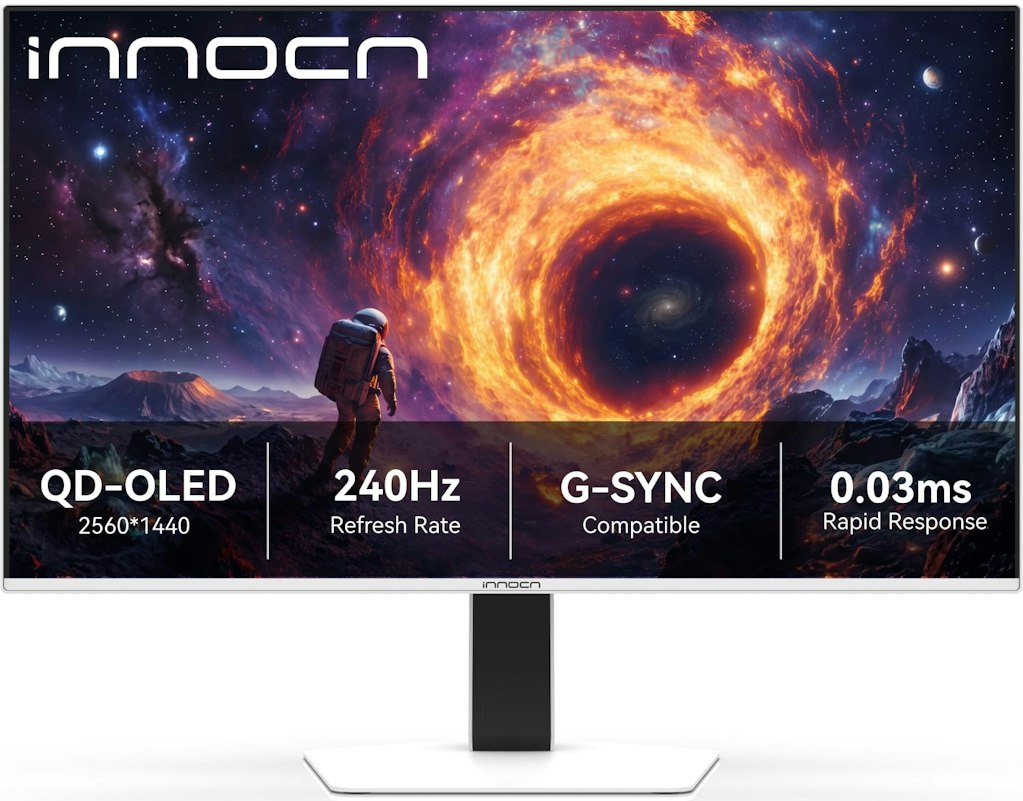
This INNOCN 27" QD-OLED gaming monitor is $35 off, and the $315 price matches its Amazon all-time low. HDMI 2.1 and DisplayPort inputs cover both consoles and PCs. Shipping is free. Buy Now at Amazon
Features
- 27" QD-OLED display with 2560 x 1440 resolution
- 240Hz refresh rate with 0.03ms response time
- HDMI 2.1 and DisplayPort inputs
- FreeSync and G-Sync Compatible adaptive sync
- Height, tilt, and pivot adjustable stand
- Built-in speakers
Newegg · Oct 9, 2026
$90 $120
free shipping
more
↑ less
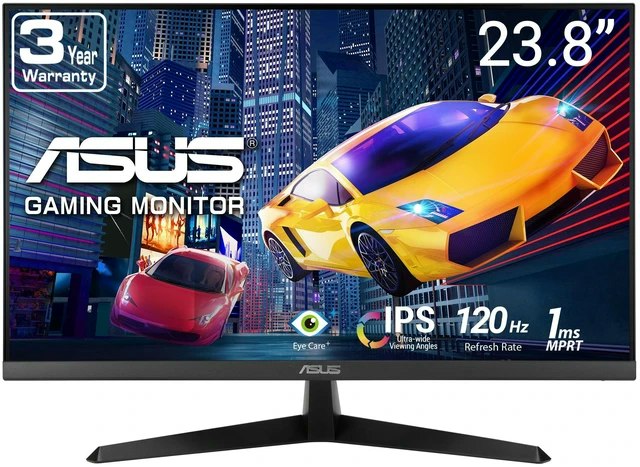
At Newegg, get the ASUS VY249HGR 23.8" 1080p Monitor for $90. That's a savings of $30. You'd pay $116 elsewhere. Buy Now at Newegg
Features
- 23.8" 1920 x 1080 resolution IPS panel
- 120Hz overclockable refresh rate with 1ms response time
- Adaptive Sync support to reduce screen tearing
Newegg · Oct 8, 2026
$105 $170
free shipping
more
↑ less
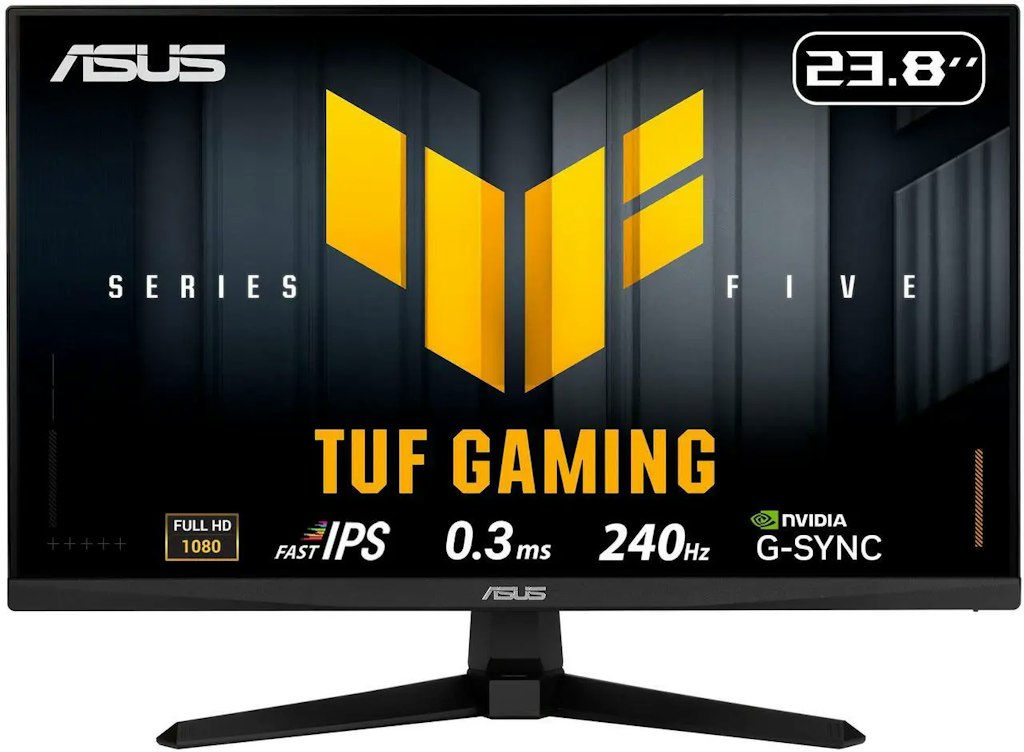
At Newegg, get the ASUS VG249QM5A 23.8" 1080p Gaming Monitor for $105. You'd pay $24 more elsewhere. Buy Now at Newegg
Features
- 23.8" viewable Full HD 1080p Fast IPS panel
- 240Hz refresh rate with 0.3ms response time
- AMD FreeSync Premium & G-Sync compatible
- Extreme Low Motion Blur Sync (ELMB Sync) technology
Best Buy · Oct 8, 2026
$770 $1,000
free shipping
more
↑ less
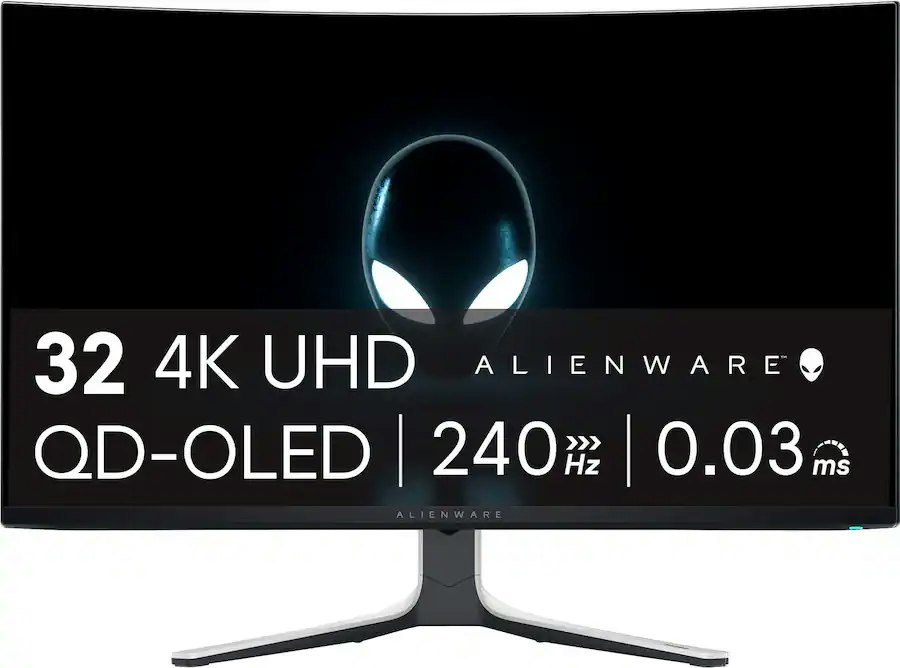
This Alienware AW3225QF is $230 off its regular price of $999.99 as part of Best Buy's Techtober Deal. The 32" QD-OLED panel pairs 4K resolution with a 240Hz refresh rate and a 0.03-millisecond response time, along with G-SYNC Compatible support for smoother gameplay. My Best Buy members get free shipping on all orders (it's free to join). Buy Now at Best Buy
Features
- 3840x2160 (4K) native resolution
- HDR10
- 240Hz refresh rate w/ Nvidia G-Sync
- 1 DisplayPort & 2 HDMI inputs
- USB hub
Newegg · Sep 1, 2026
$110 $170
free shipping
more
↑ less
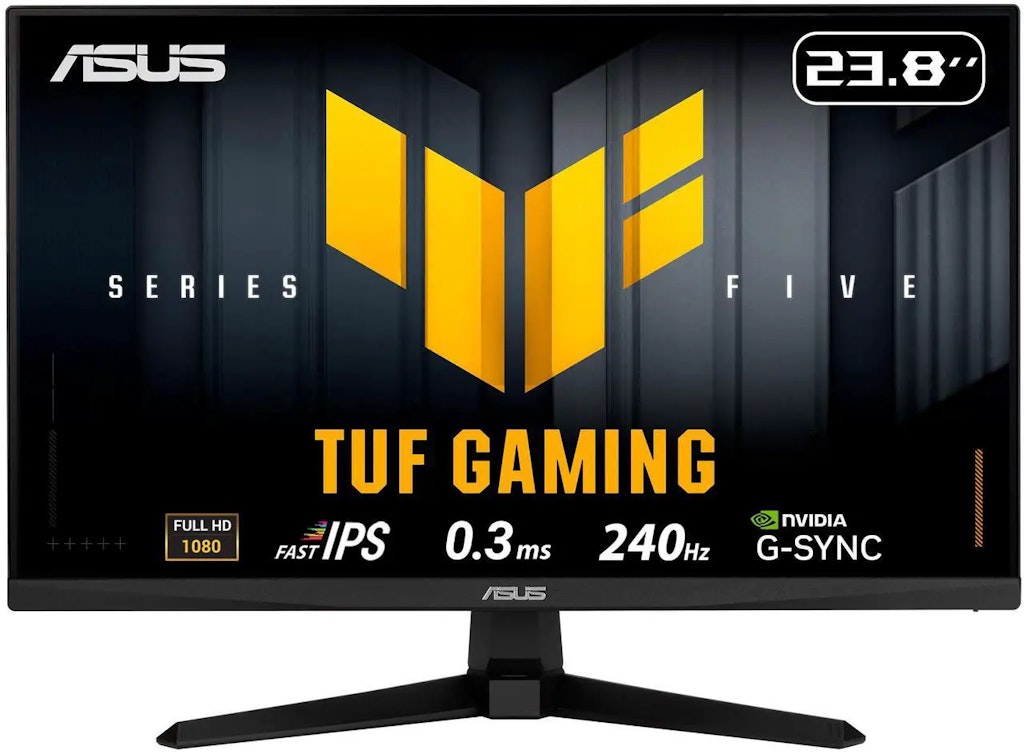
The ASUS TUF Gaming VG249QM5A 23.8" FHD 240Hz Monitor is $110 at Newegg as part of its Labor Day sale. That's a savings of $60 off. This ASUS TUF Gaming monitor pairs a 240Hz refresh rate with a 0.3ms response time and Fast IPS panel, features aimed at competitive gaming. We've pictured the ASUS TUF Gaming VG249QM5A, which also supports both AMD FreeSync Premium and G-Sync compatibility for smoother, tear-free visuals. Newegg ships it for free. Buy Now at Newegg
Features
- 23.8" viewable Full HD (1920 x 1080) Fast IPS panel
- 240Hz refresh rate w/ 0.3ms response time
- AMD FreeSync Premium & G-Sync compatible
- ASUS Extreme Low Motion Blur Sync (ELMB Sync) technology
- Two HDMI 2.0 ports and one DisplayPort 1.4 port
- 3-year parts & labor warranty
Samsung · Feb 12, 2026
10% off
free shipping
more
↑ less
Use promo code "L8AS4HAL40" to get 10% off select monitors at Samsung. Plus, everything ships for free. This offer ends December 31, 2026. Shop Now at Samsung
Computer Monitors: The Basics
You’ve found your perfect computer, but now you need a display. The type of monitor you should buy (and how much you’ll spend) depends on what you’re using it for. A gamer has different needs from someone who will only use their monitor for watching YouTube. No matter what you’re shopping for, DealNews has the monitor deals you need.
Common Terms
When you’re shopping for a monitor, it’s important to understand some basic terminology:
- Aspect Ratio
This measurement, expressed as two numbers separated by a colon, is a proportional representation of the monitor’s height and width. The three most common aspect ratios are 4:3, 16:9, and 21:9, with higher-end monitors available in more extreme ratios.
- Viewable Screen Area
The viewable screen is the part of a monitor that displays content, as opposed to the parts that may be covered by a border. You might see this measurement listed after the size, such as: 24’’(23.6” Viewable). Many monitors are now borderless.
- Resolution
Resolution is how many pixels make up a screen, and is described as length x width. For example, a 1080p monitor has a resolution of 1920x1080 pixels.
- Response Time
The response time is how long it takes for a monitor to change individual pixels from black to white (or in some technologies, gray to gray). This determines how sharp an image is. When viewing a monitor’s response time, the lower the number, the better.
- Refresh Rate
The refresh rate is how many times the image updates each second. This is measured in Hertz (Hz). In general, you should buy a monitor with at least a 60Hz refresh rate, but higher numbers are generally better. (Note that not all manufacturers include specs regarding refresh rate.)
-
Display Panel Types
- Twisted Nematics (TN): These panels are the fastest and most inexpensive panels on the market. But what you make up for in speed and price, you lose in color and viewing angles. TN panels are an especially good choice for gamers who need higher refresh rates, and low response time.
- Vertical Alignment (VA): Considered the middle ground between TN and IPS panels, VA monitors have good color and contrast and a mid-tier price. These panels have some of the slowest response times, so they’re best suited to general use.
- In-Plane Switching (IPS): These panels have great color and viewing angles with a response time that falls between TN and VA panels. IPS panels are the most expensive, and are best suited for professional design use.
Frequently Asked Questions
What features should I consider when purchasing a monitor?
First, think about how you’ll use the monitor. The screen size, resolution, panel type, and response time you’ll need are all heavily dependent on your use case. It’s also important to make sure your monitor has the correct inputs for your computer — if not, you should look into purchasing an adapter. Once you’ve decided on the specs you’ll need, check out DealNews for the best deals on cheap monitors.
What is a curved monitor?
Curved monitors are growing in popularity, as they can help your eyes take in more of the screen at once. If you tend to use dual monitors, a single curved monitor can typically fulfill the same role. Unfortunately, the technology is still relatively new and curved monitor prices tend to be higher.
What brands have the best monitor deals?
When it comes to monitors, finding the right brand is less important than finding the right combination of features. To help you find exactly what you need, DealNews publishes deals from many different monitor manufacturers. You can see all the monitor sales here, or you can check out monitors on our brand- and store-specific pages, including Acer , Alienware , Asus , Dell , Lenovo , LG , Samsung and more!
By: Kristen Harris, Manager
A Georgia girl with three years of experience in IP Law and grounded in understanding marketing and consumer motives. When she's not working with the fabulous staff of DealNews, you can find her whining at rowing practice and browsing the Hot Deals on the site.
Want to know the moment we post a great deal on Monitors?
Create an Alert